What AI App Should You Use for Landscape Design? How to Choose
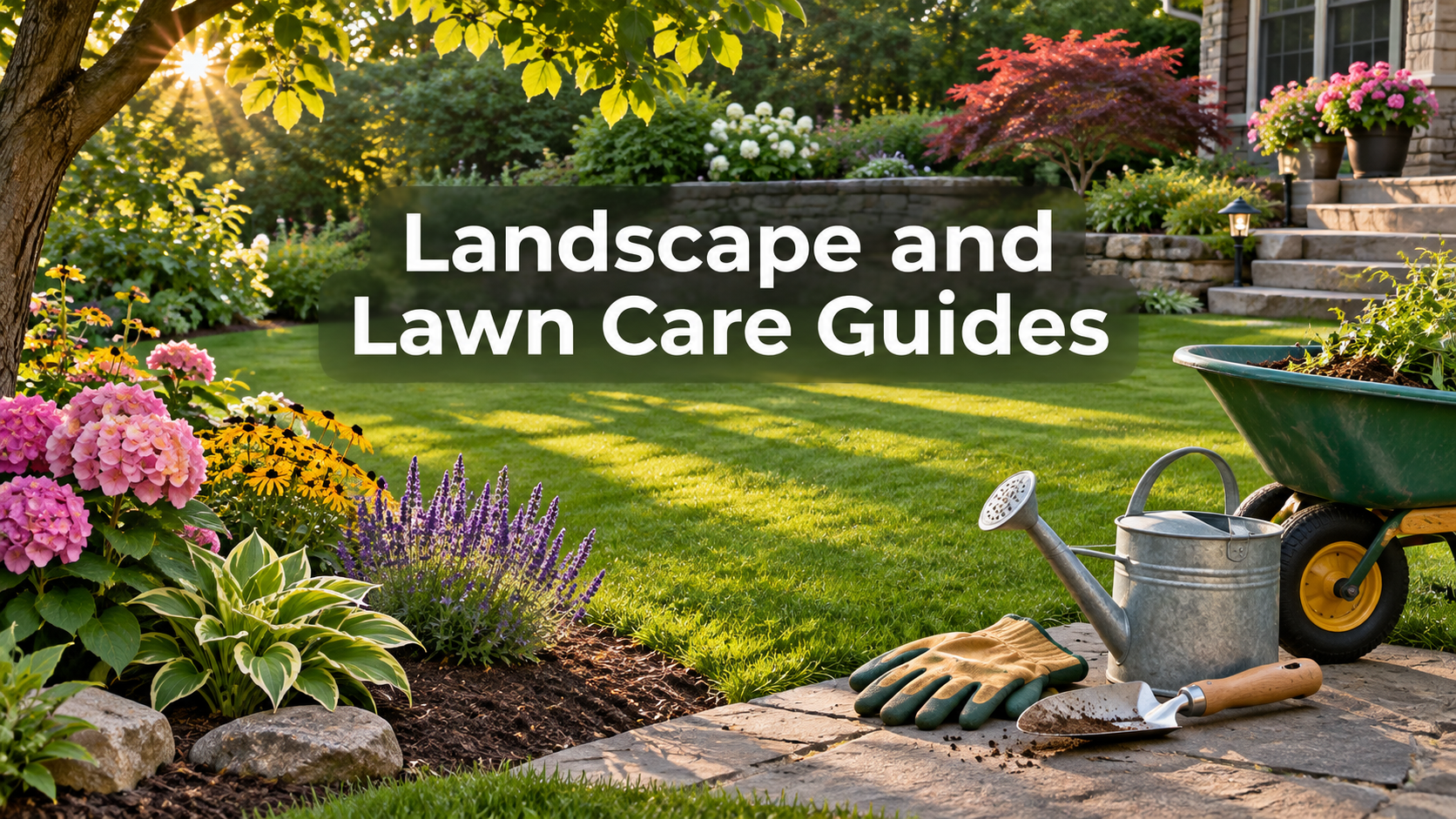
Choose an AI landscape app according to the result you need: use an AI landscape-image generator for ideas and style exploration, but use a tool with clearly documented drawing, measurement and export functions if you need a layout to develop into a real garden project.
AI landscape generators are intended to create realistic or artistic landscape imagery from an idea. That can be useful when you are comparing looks for a lawn, patio, border, path or planting scheme. It is not the same thing as a measured site plan. ToolsPedia’s overview of AI landscape generators describes this image-generation category, rather than verifying the capabilities of individual garden-design apps.
Start with the job you want the app to do
For ideas and visual inspiration
An AI image generator can help you test broad design directions before committing to one. For example, you might ask for a cottage-garden border, a low-maintenance gravel garden, a more formal lawn-and-hedge layout, or a contemporary seating area. Use the outputs to identify features you like, such as curved beds, screening, paving tones or planting density.
Keep prompts specific. Include the garden’s approximate shape, the features that must remain, the amount of sun or shade, the desired maintenance level and any practical requirement, such as retaining lawn space for children or access for a mower. A clear photograph of the area, taken in good light and showing its boundaries, is also more useful than a cropped view if the product accepts image uploads.
For a concept based on your own garden
Check whether the product explicitly accepts photographs of a real garden and explains what it produces from them. A convincing rendered image may still alter proportions, omit awkward features or introduce details that would not fit the site. Treat it as a starting concept to discuss, revise and check against the actual garden.
For a design you intend to build
If you are planning to install paving, edging, raised beds, drainage, irrigation or substantial planting, look beyond attractive images. Check that the product documents the functions you need, such as drawing a layout, entering dimensions, editing elements and exporting the result. Confirm exactly what the output contains before relying on it for ordering materials or setting out work on the ground.
What to check before choosing an AI landscape app
- Inputs: Find out whether it works from a text prompt, photograph, sketch, measurements or a combination of these.
- Outputs: Establish whether it creates images only, an editable layout, a plant list, dimensions or downloadable files.
- Editing: Check whether you can revise paths, beds, lawn areas, screens and other elements after the first result.
- Scale and measurement: Do not assume an image is to scale. Look for a clear explanation of how dimensions are entered, displayed and exported if accuracy matters.
- Plant information: If plant suggestions are offered, check whether they can be filtered for your climate, soil, aspect, mature size and maintenance requirements.
- Saving and exporting: Confirm whether you can save versions, download images or plans, and share them with a landscaper or designer.
- Privacy: Read the provider’s current privacy information before uploading photographs that show your home, neighbours’ property or other identifiable details.
Can you get an AI landscape design app for free?
Check the current pricing page or app-store listing before signing up. A free download may provide only limited image generation, saving, exports or editing, while other functions may require payment. The useful question is not simply whether an app is free, but whether the particular function you need is included without charge.
For a no-cost trial, use it to test one small area first: for example, the front border or a patio corner. Compare several generated concepts, then decide whether the output helps you make a practical design decision. Avoid choosing solely from promotional images or unverified price claims.
Using an app on iPhone or iOS
For an iPhone, iPad or another Apple device, check the current Apple App Store listing and the developer’s own documentation. Confirm that the app supports your device and iOS version, and check whether the mobile version includes the features you need. Some products may offer different functions in an app and a browser-based version, so verify this before starting a design.
Using an app on Android
For Android, check the current Google Play listing and the developer’s compatibility information. Confirm the required Android version, device requirements and whether image generation, editing, saving and exporting are available in the Android version rather than only on a desktop website.
Turn an AI concept into a workable garden plan
Before buying plants or materials, check the real site independently. Measure boundaries and existing features, including buildings, paths, drains, trees, inspection covers and access routes. Observe where sun and shade fall, where water collects after rain, and whether the soil is free-draining, compacted, sandy, silty or clay-heavy.
Then assess the practical implications of the concept:
- Leave enough width for paths, gates, bins, mowing and maintenance access.
- Retain appropriate clearance from buildings, boundaries, pipes and services.
- Choose plants for the actual light levels, soil, climate and their eventual mature size.
- Plan lawn areas around usable mowing lines rather than narrow, awkward shapes.
- Consider drainage before adding impermeable paving or changing levels.
- Verify quantities from measured dimensions rather than from a generated image.
Bottom line
Use an AI landscape-image generator when you want quick ideas for the look and feel of a garden. Choose a more fully documented planning tool when you need an editable, measured layout for implementation. In either case, confirm current pricing, device availability and features directly with the provider, then check the final concept against your garden’s dimensions, drainage, sunlight, soil and planting conditions before starting work.


Comments
Post a Comment